Write for somebody who has not met you yet.
At a busy service window, you can explain a dish in person. A public menu often makes the introduction before that conversation happens. Give each item a recognizable name and a description that answers the obvious question: what am I choosing? Personality is welcome, but the reader should not have to decode the food.
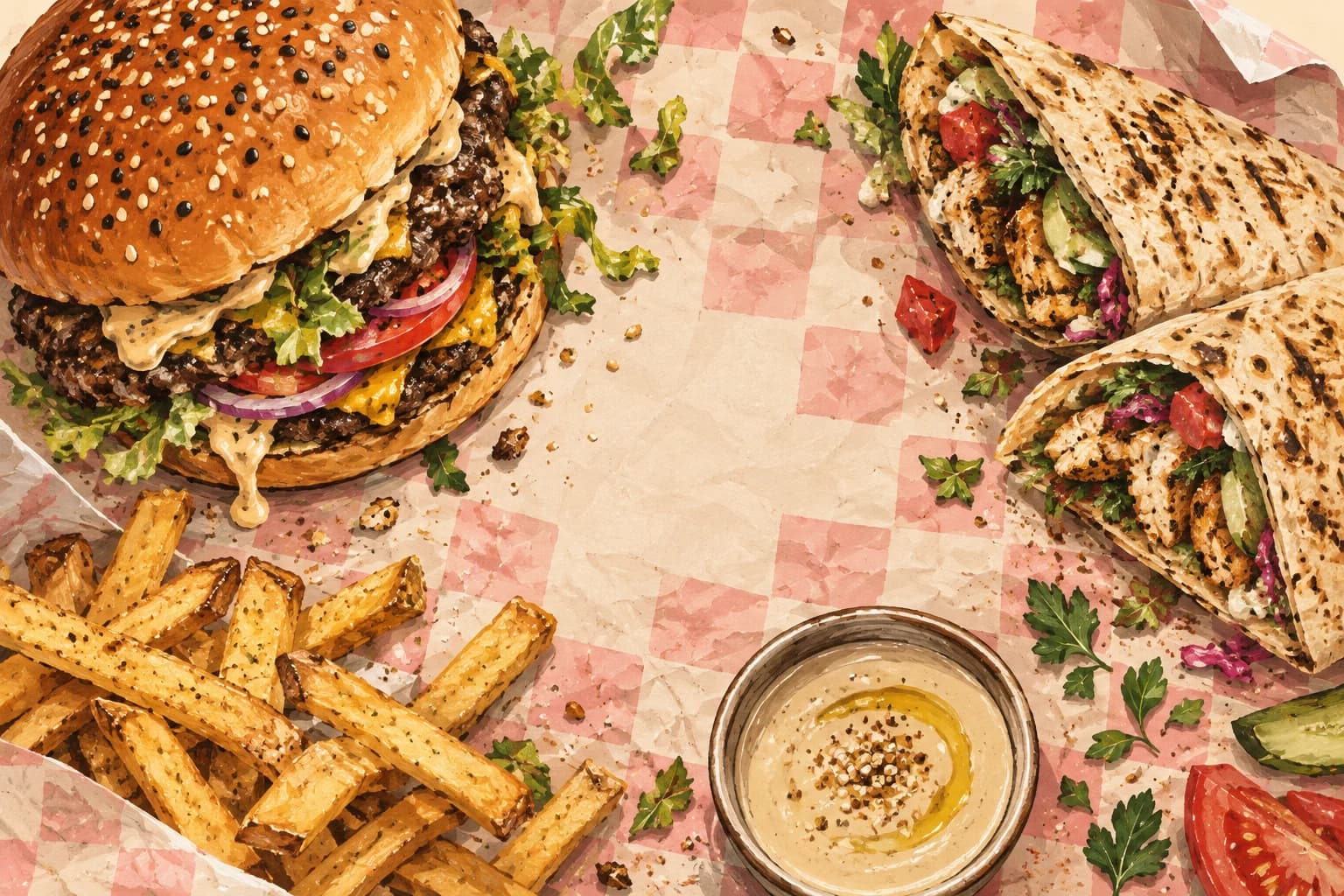
A useful description identifies the main ingredients or preparation, the portion where relevant and the supplied food information. Keep Arabic and English complete. A real, recent photograph should show the dish you serve, rather than a different portion arranged purely for the menu.
Availability has a shorter lifetime.
A dish can remain on the menu while being unavailable for the rest of a shift. Removing its whole entry loses useful information and creates more work tomorrow. A service control should change the temporary fact without rewriting the lasting description or price.
That difference also matters for access. The person handling the queue may need a narrow availability action without permission to change business-wide menu information. Use the role and selected truck explicitly; avoid sharing the owner account as a shortcut around a missing permission.
Give the QR one clear destination.
A code on the window should tell a visitor what will open. For a menu campaign, open the menu directly. Make the page readable on a phone without forcing an application download before the dishes appear. Test the printed size and the final destination before putting it on the truck.
A scan is a scan. It does not automatically prove that somebody installed an app, placed an order or became a customer. Keep the measurement connected to the action that was actually observed.
Do one phone-width review.
Open the public page as a customer. Check the longest dish name, the current price, supplied food information and sold-out state. Ask someone unfamiliar with the truck to choose an item. The questions they still have tell you where the menu needs a clearer sentence.